
Device Management
When connecting multiple testers to a single computer, ensure that their IP addresses are within the same network segment, such as 192.168.1.x. If a tester has a different IP address, first connect it directly to the computer and adjust its IP address through the management web page to align with the network segment.
1. Set up
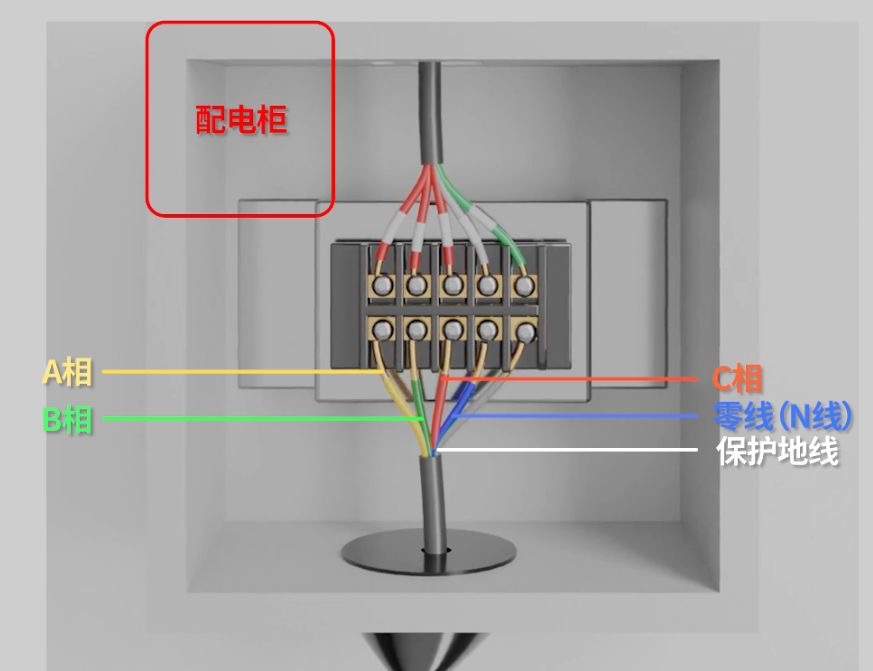
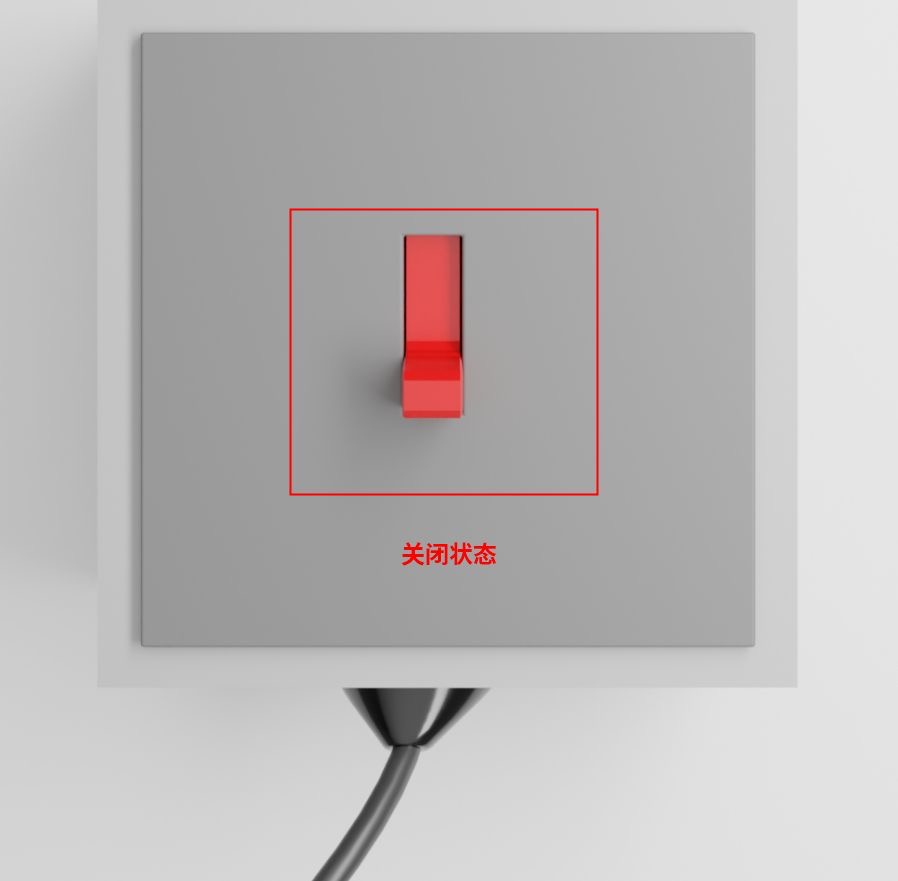
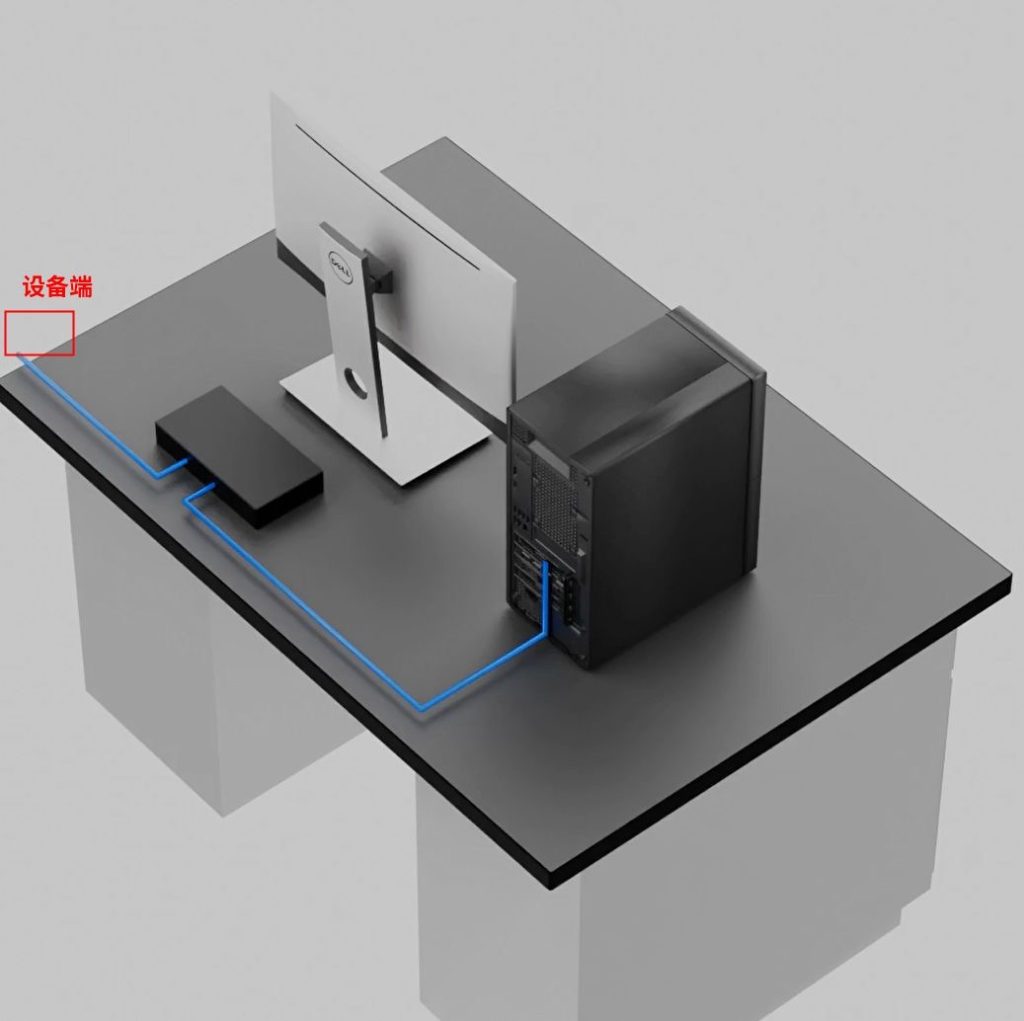
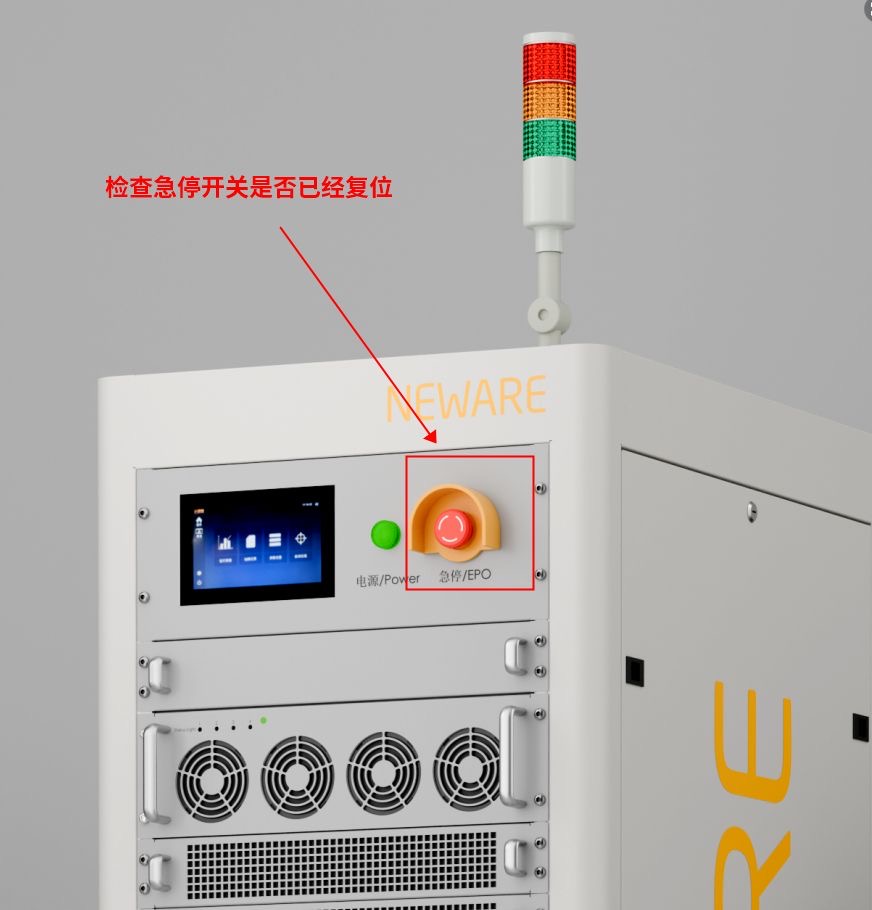
Power on the tester you want to modify and connect it directly to the computer, ensuring no other testers are connected.
If you’re unsure how to proceed, refer to the instructions in the link below.
2. Modify IP address
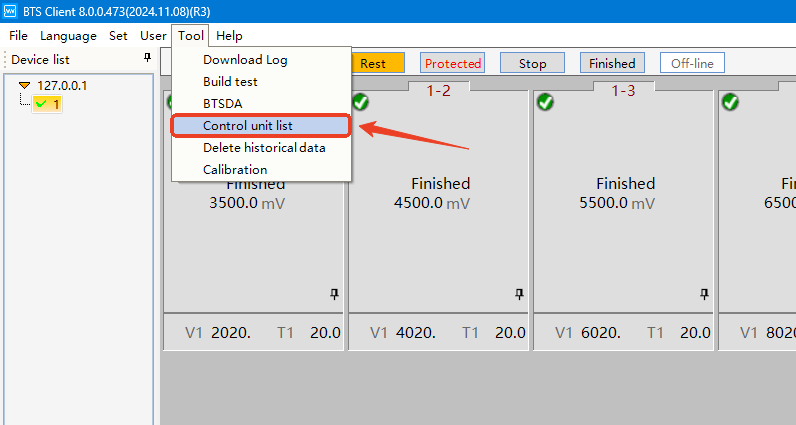
Go to 【Tool】 – 【Control unit list】 to double check on the control unit IP address(es).
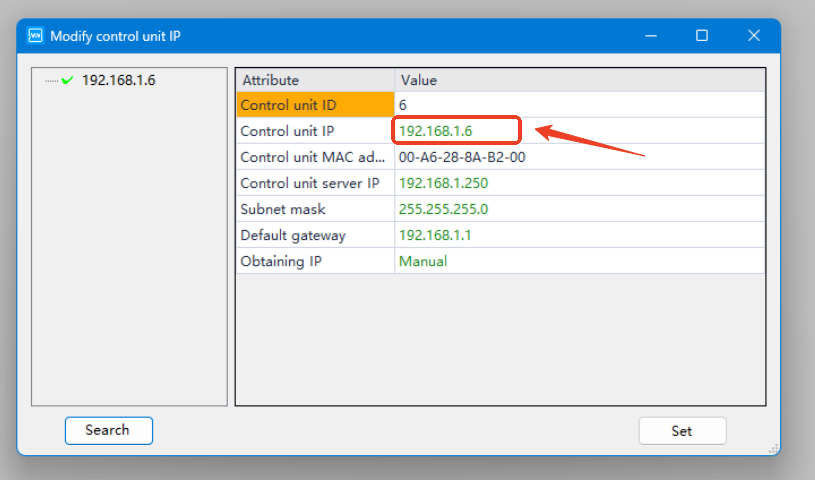
Copy the 【Control unit IP】 address and paste it into your browser to access the management page.
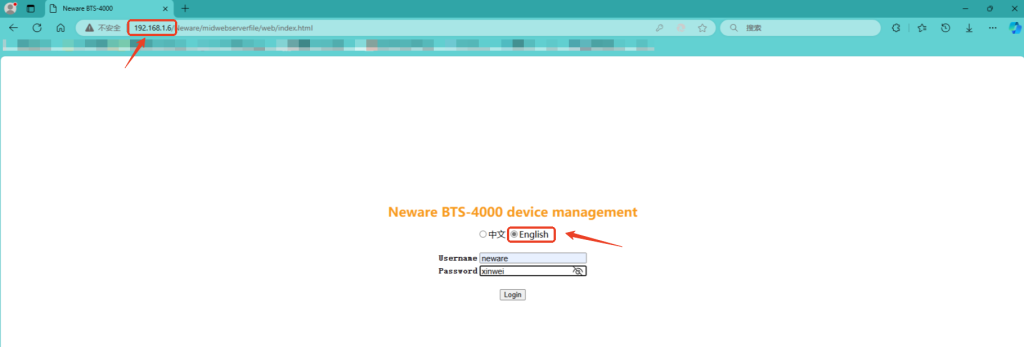
Select your preferred language and log in.
Username: neware
Password: xinwei
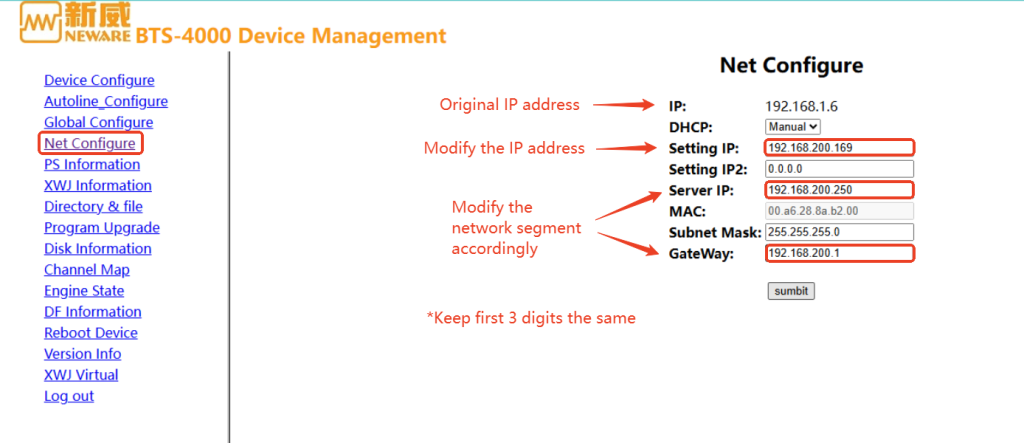
Select 【Net Configure】, modify the IP address to your target network segment, make sure the first 3 digits are the same.
【Submit】 the changes.
Turn off the tester then restart after 1 min.
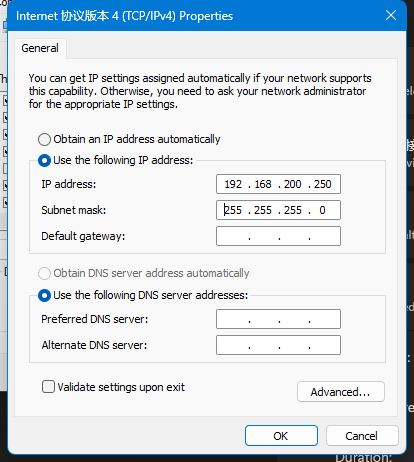
Change the Ethernet adapter setting to match the new IP address.
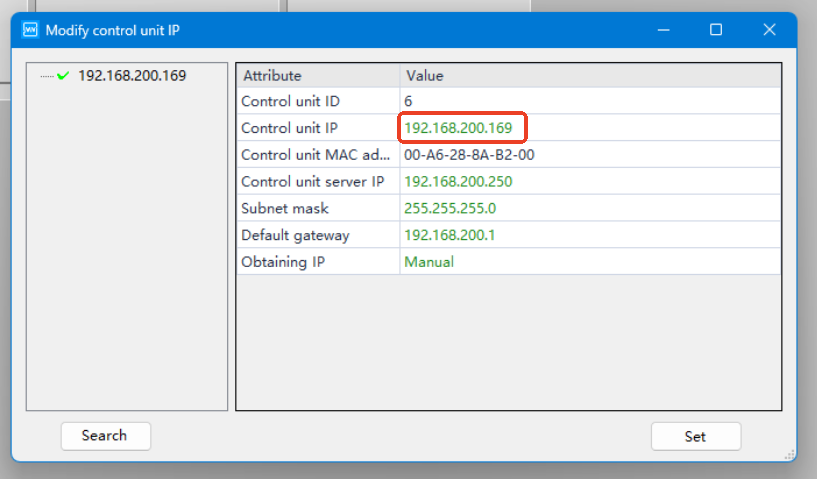
Check again in the BTS software and you’ll see the IP address has been updated.