
Device Management
When receiving Neware testers, you can customize their tester IDs to fit your lab’s requirements. Ensure that no two testers under the same controller unit share the same ID, as conflicts will prevent them from appearing in the software. To resolve ID conflicts, unplug one of the testers and assign it a new ID.
1. Log in
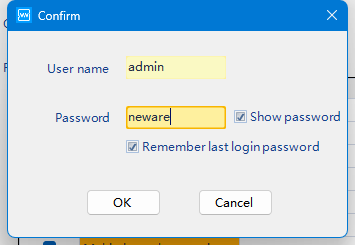
User name: admin
Password: neware
2. Open Calibration Tool
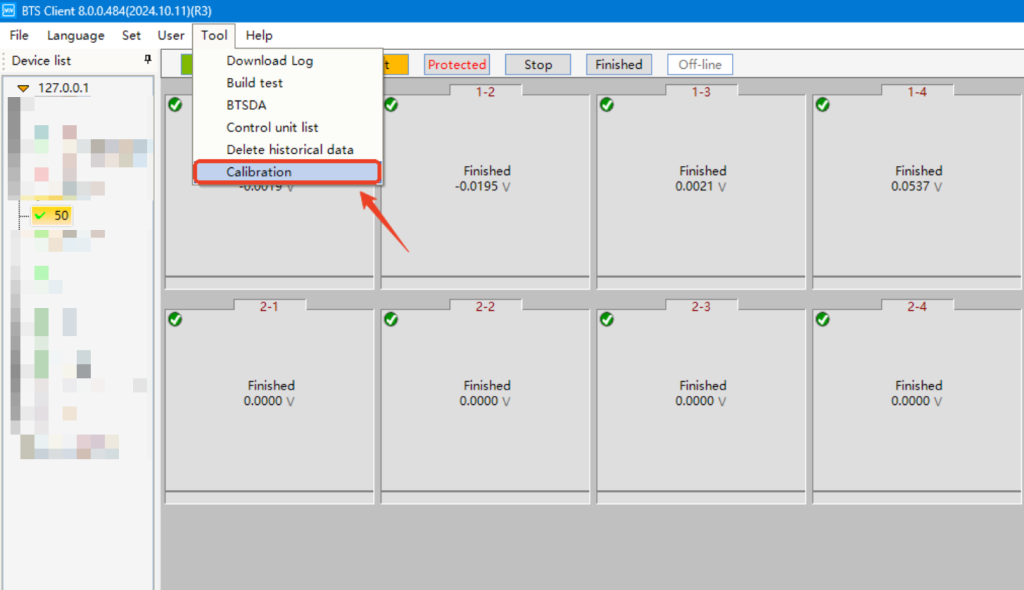
【Tool】-【Calibration】
3. Change Tester ID
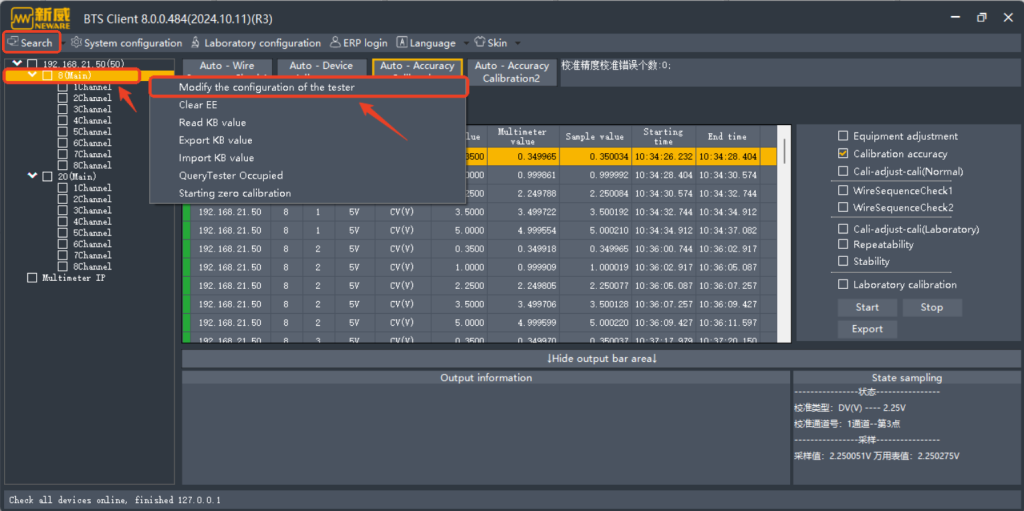
Click on 【Search】, then the testers will appear.
Right-click on the tester which you wish to update ID, then select 【Modify the configuration of the tester】.
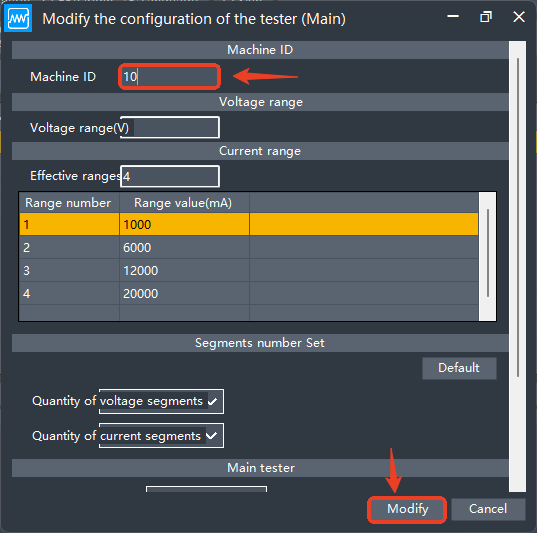
Update the machine ID according to your planned configuration.
Click on【Modify】to save the changes.
4. Restart Hardware
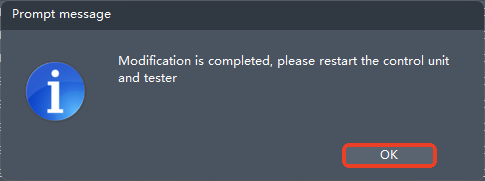
The modification will take effect only after restarting both the control unit and the tester.
This step is crucial.