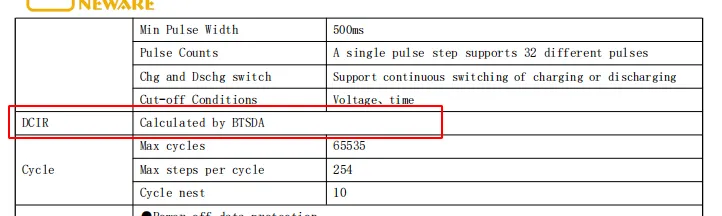
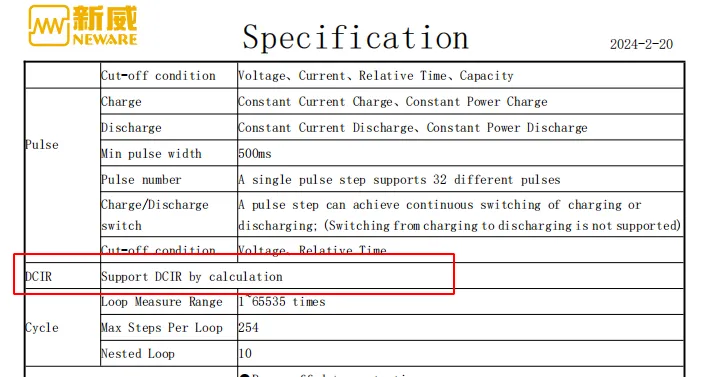
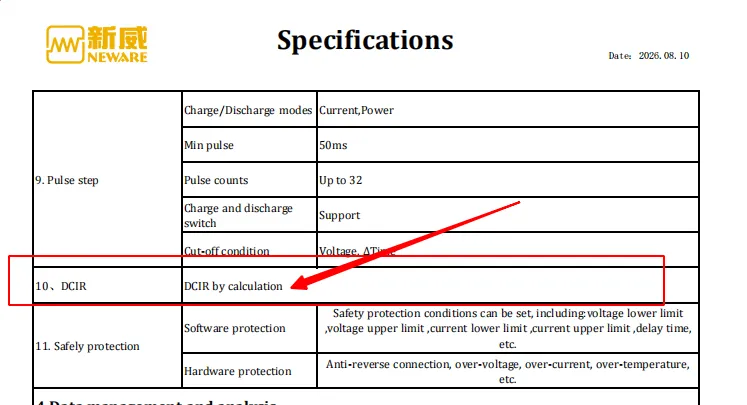
If you take a close look at the specification sheet for Neware battery testers, you will find the “DCIR by calculation” function. How to use this function?
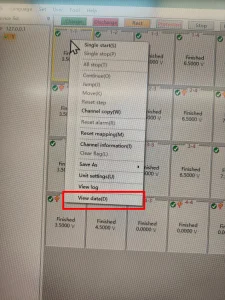
Right‑click on a channel to open the right‑click menu, then click View data(D). You will see the test curves and test data.

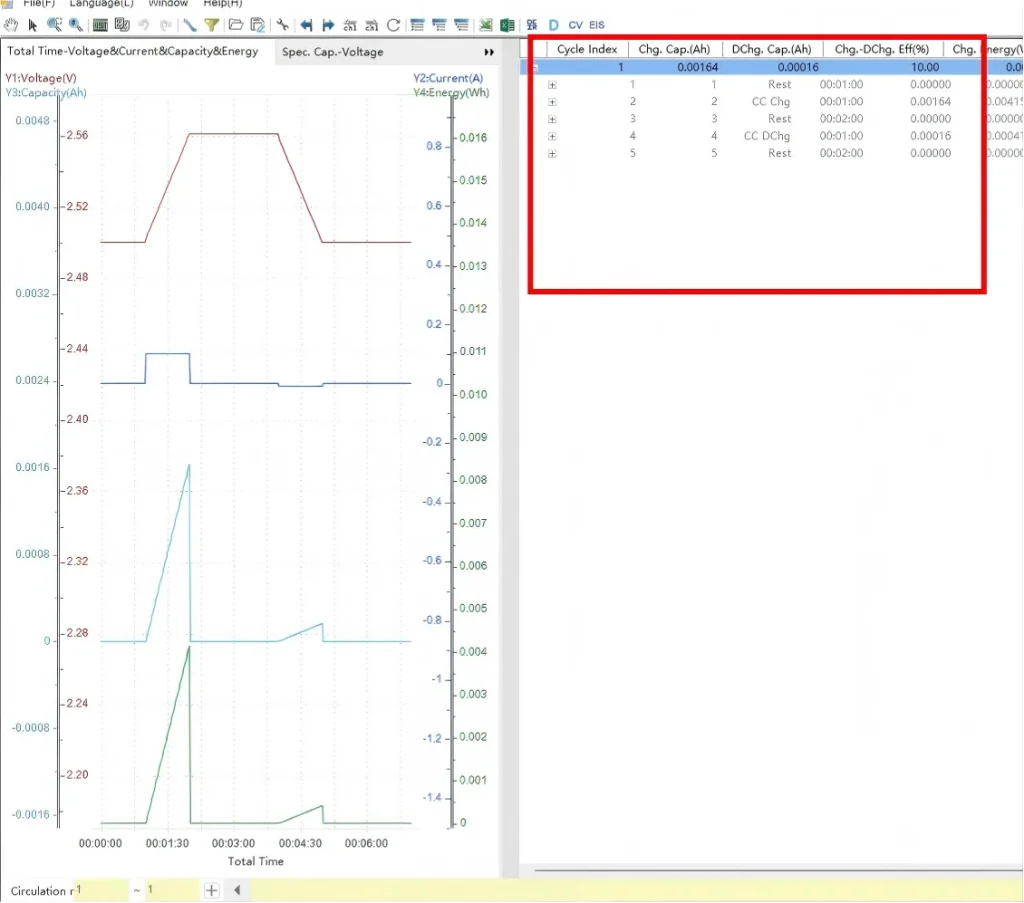
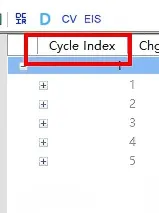
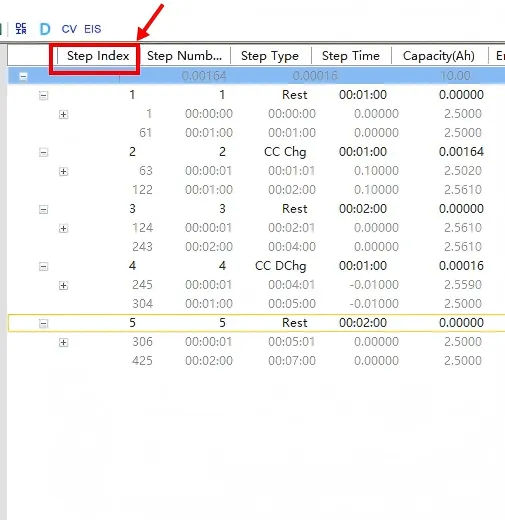
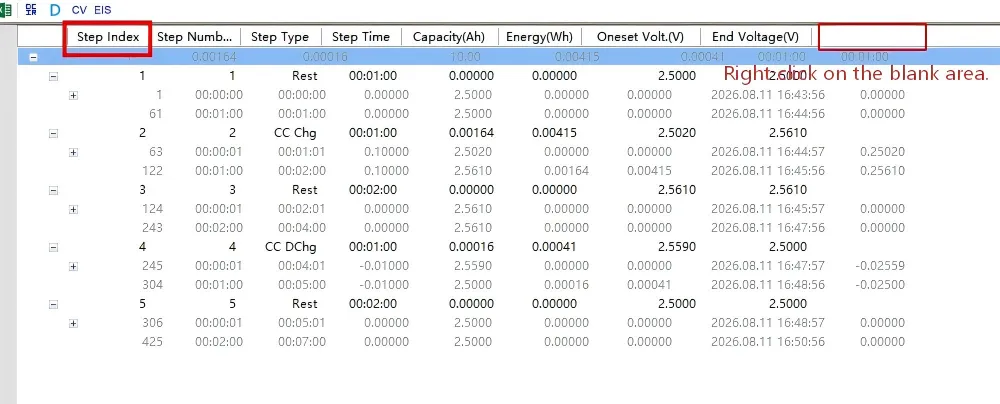
View data(D) In the test data area, Cycle Index is displayed by default. Expand the data and switch from Cycle Index to Step Index.

test data area 
Cycle Index 
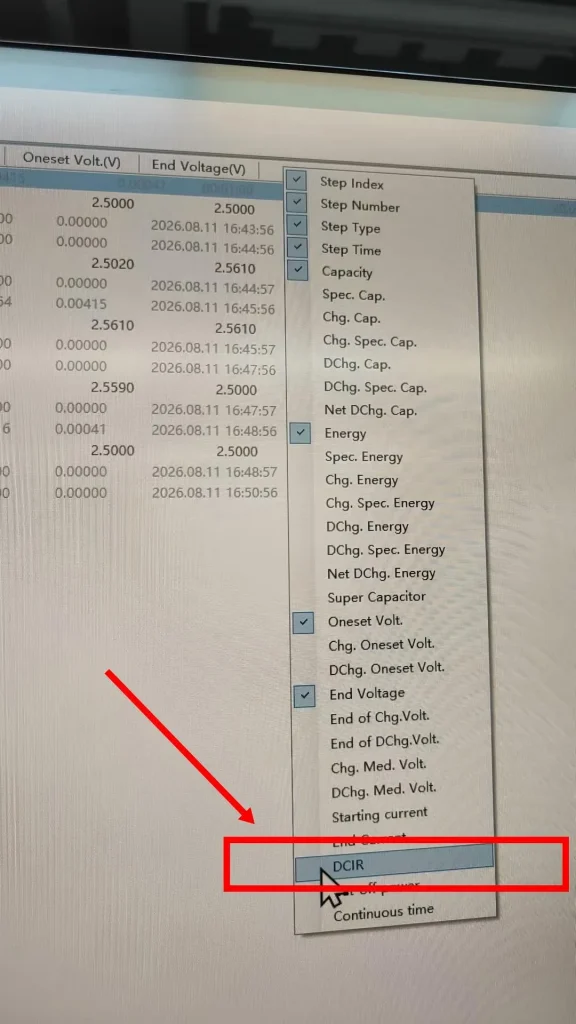
Step Index Right‑click on any blank area and select DCIR.

Right‑click on any blank area 
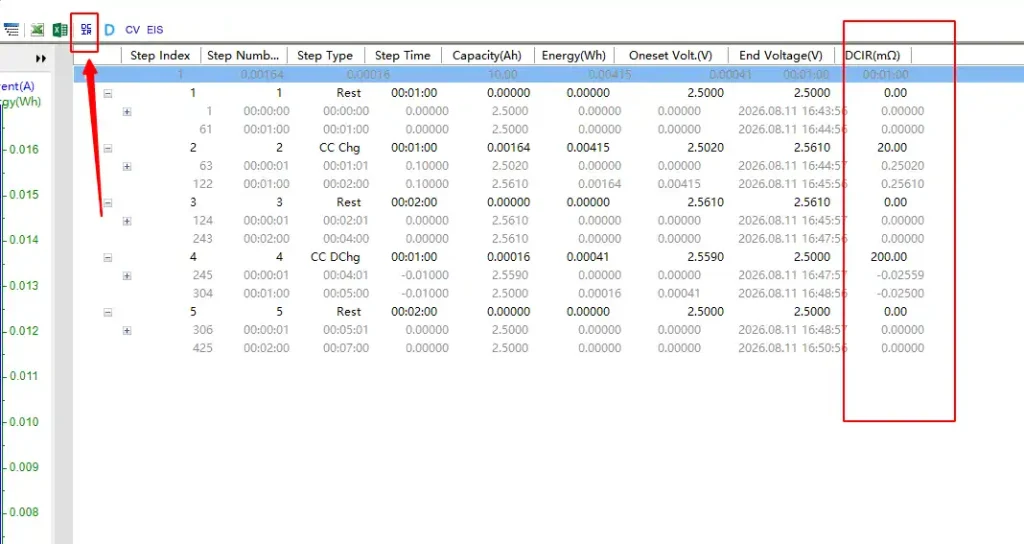
select DCIR DCIR will be added as the last column in the data area. How is the DCIR data here calculated? Click the DCIR column header.

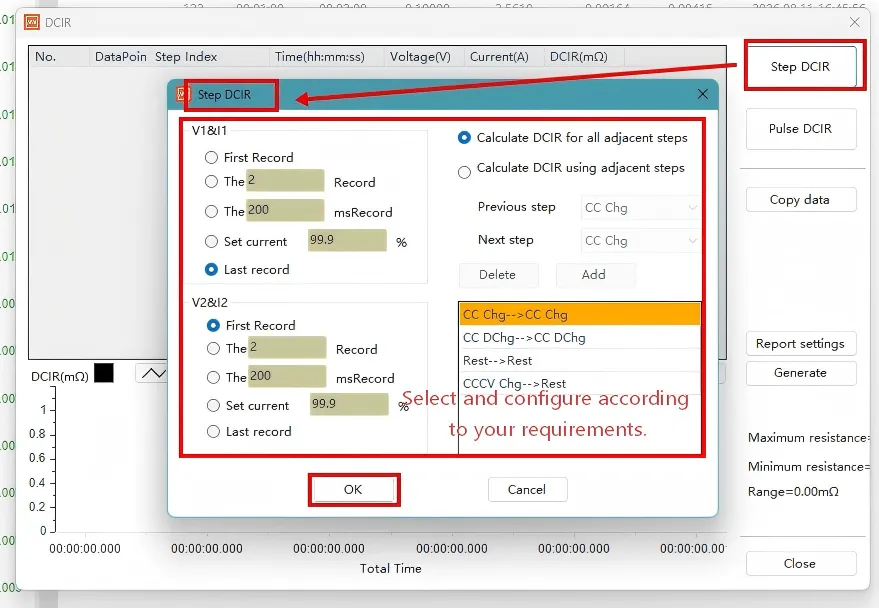
Click the DCIR column header The Neware BTS DCIR configuration window will pop‑up immediately. You can select either Step DCIR or Pulse DCIR. Here we select Step DCIR.

Neware BTS DCIR configuration window
Note: Pulse DCIR is used for test profiles containing pulse steps.
Select Step DCIR to view its calculation parameters. Then you will see its value acquisition and calculation logic. Select the last record of the first step and one record from the second step. DCIR is calculated based on these adjacent steps.
Neware BTS DCIR configuration window Configure the calculation rules: select adjacent step groups or define record sampling points.
- Click OK, and the DCIR results and curves will be displayed.
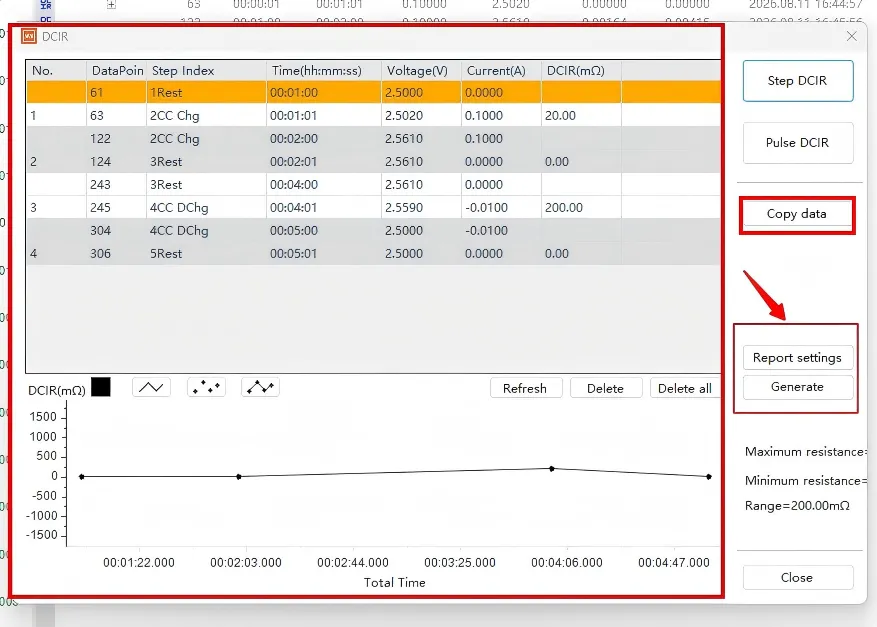
You may copy the data to Excel or generate a report.

DCIR results and curves