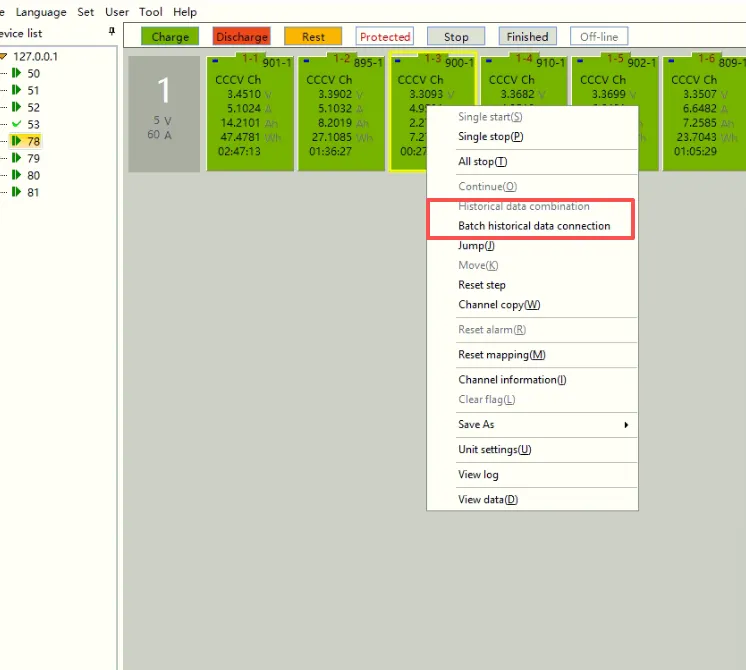
How to use historical data to reconnect the test?
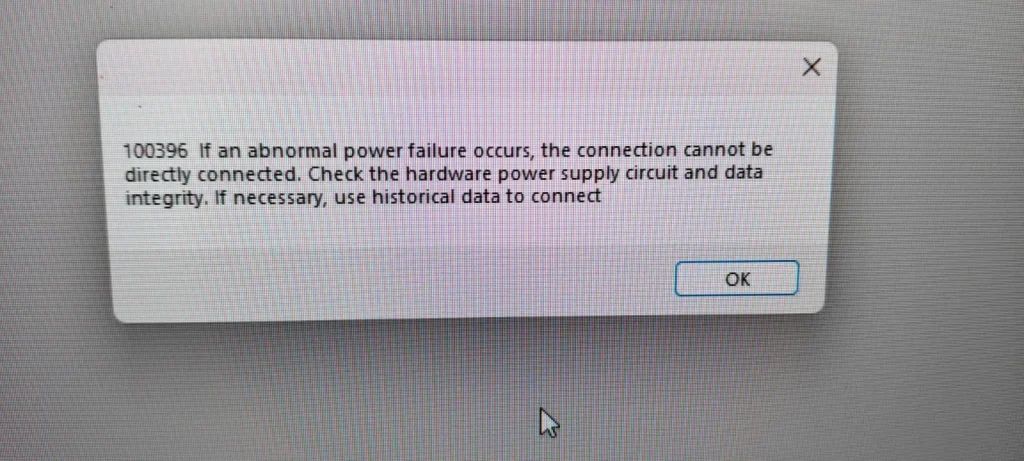
The lab has experienced a power outage. After power was restored in the laboratory, the Neware BTS software prompted test channel protection. When double‑clicking the exclamation mark on the channel, a pop‑up window shows the message: “100396 If an abnormal power failure occurs, the connection cannot be directly connected. Check the hardware power supply circuit and data Integrity. If necessary, use historical data to connect”. Could you advise how to resolve this?
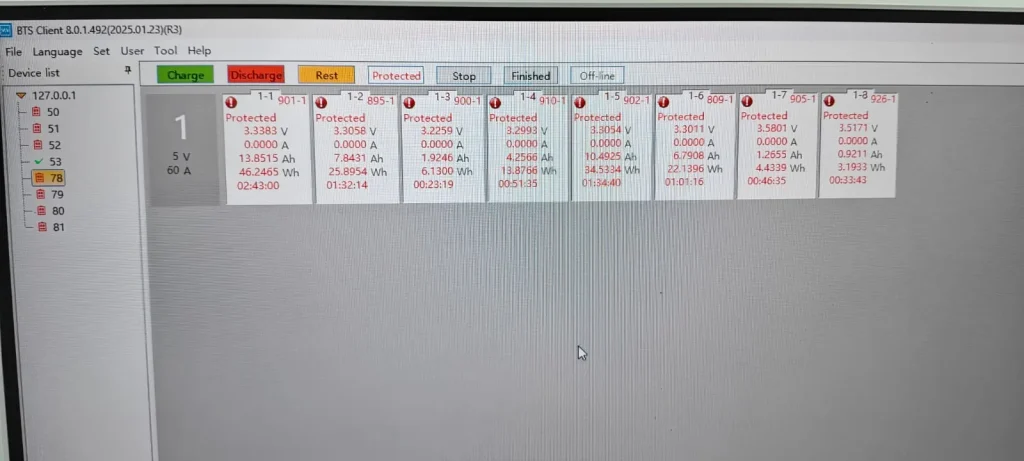
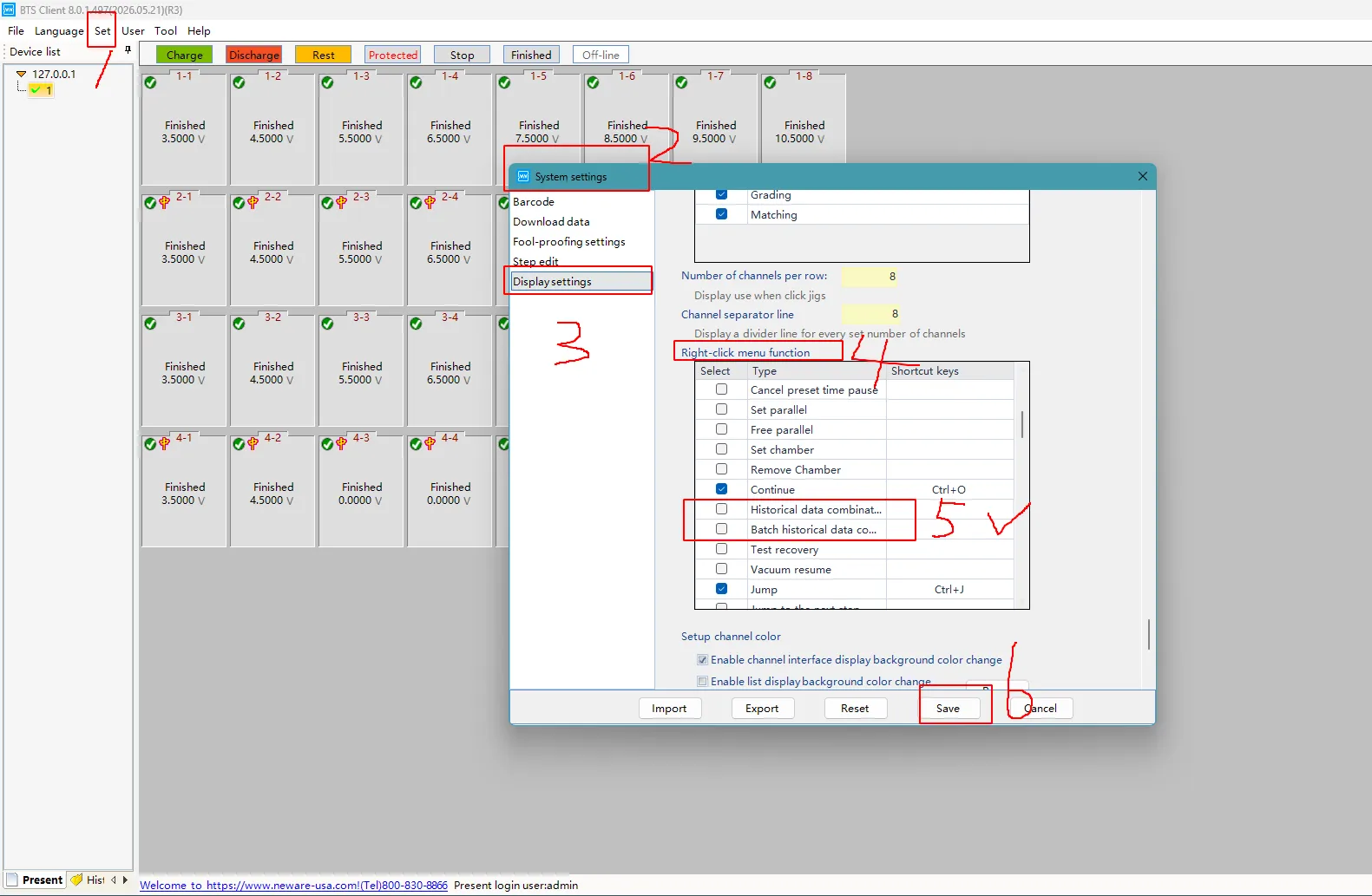
Navigation path:
Set — System settings — Display settings — Right-click menu function — Historical data combination / Batch historical data connection — Save
Please re-enter your username and password. If you have not modified the password, the username is admin and the password is neware.
You may select all channels, right-click the mouse, and choose Batch historical data connection.